
Companies & multi-site networks
Roll out training at scale across your teams
View this use caseMake practice a real differentiator for your clients. Soriston lets you add interactive scenarios to your programmes, adapt them to each company’s needs and manage several deployments from one environment.
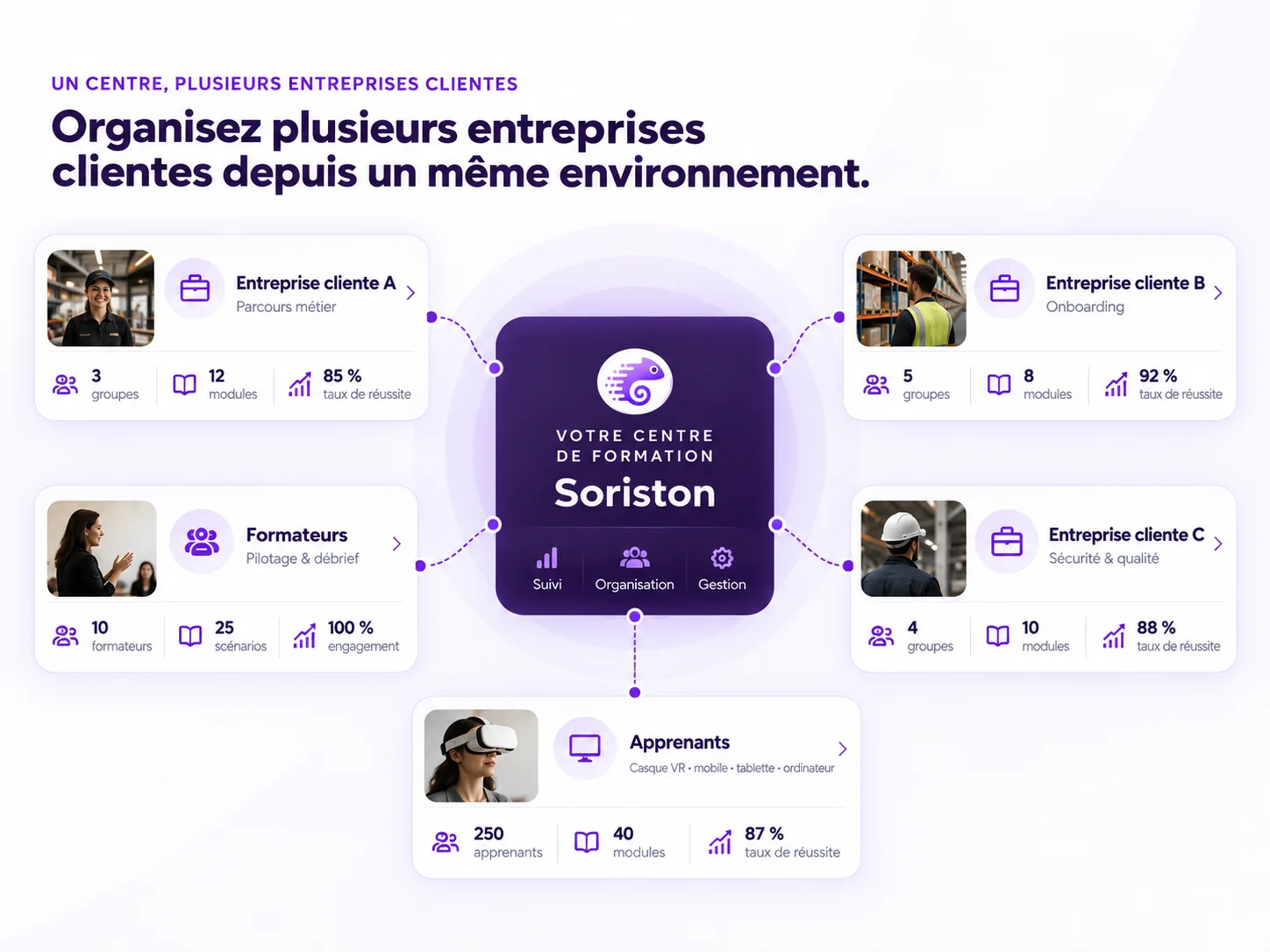
A concrete format to show from the sales proposal onwards.
Each company finds the content and groups that concern it.
Learners can repeat without calling on the trainer for every attempt.
Give prospects something concrete to compare beyond the programme, the duration and the price.
Build your clients’ own procedures, situations and job realities into your paths.
Let learners repeat more without turning every sequence into an individual trainer demonstration.
Base your debriefs on the choices, errors and results observed during Soriston training.
A procedure, a job skill, a risky situation or a recurring problem can become training built into your programme. You keep control of the path and of the client relationship; Soriston provides the training medium and the tracking.
Soriston can complement an existing path at different moments, depending on the teaching objective and how your training centre is organised.
Prepare, explain and project.
The trainer can use Soriston to introduce a situation, illustrate a job context and project learners into an environment they do not know yet.
Discover the future workplace.
The learner gets familiar with the places, moves, landmarks and expectations before their first real situation.
Train as close to reality as possible.
On site or in the centre, Soriston complements practical training with scenarios that help the learner repeat, find their bearings and gain autonomy.
Consolidate and start again.
The learner can review situations, strengthen what they learned and revisit key points to anchor the right reflexes.
Soriston does not replace the trainer. It lets them run certain situations more often, without recreating them each time. The trainer stays at the heart of learning: explaining, observing, debriefing, correcting and supporting progress.
Work with several companies without mixing their learners, content or results. Your training centre can create a separate space for each client company while managing everything from one environment.
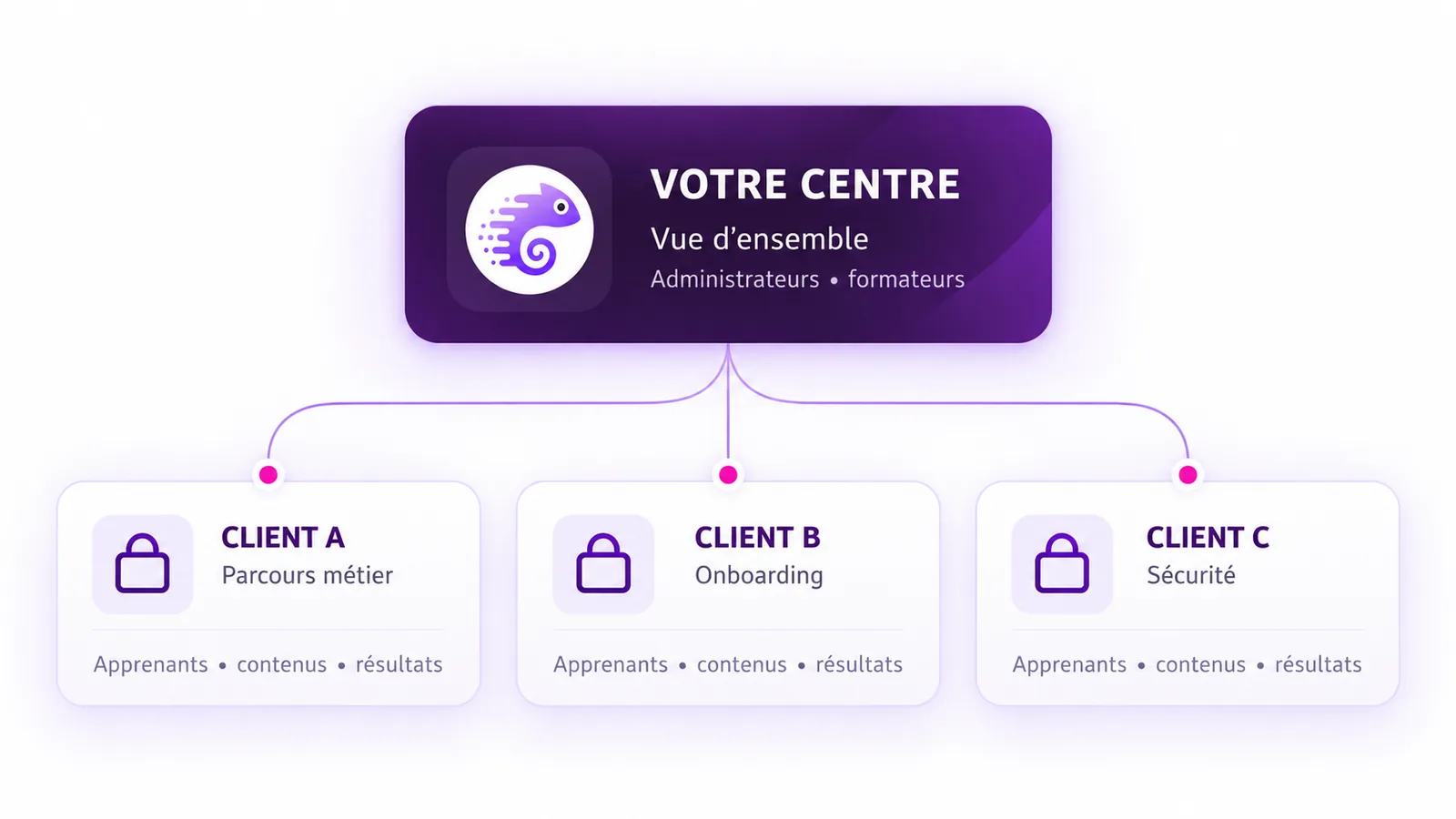
Show a concrete, distinctive experience before the training even starts.
Adapt training to a company’s own procedures, environments or situations.
Build a concrete onboarding path for a client’s new employees.
Get learners to repeat moves, procedures and decisions in a structured training setting.
Let learners keep practising between two training sessions.
Let learners review and rework key situations to consolidate what they learned over time.
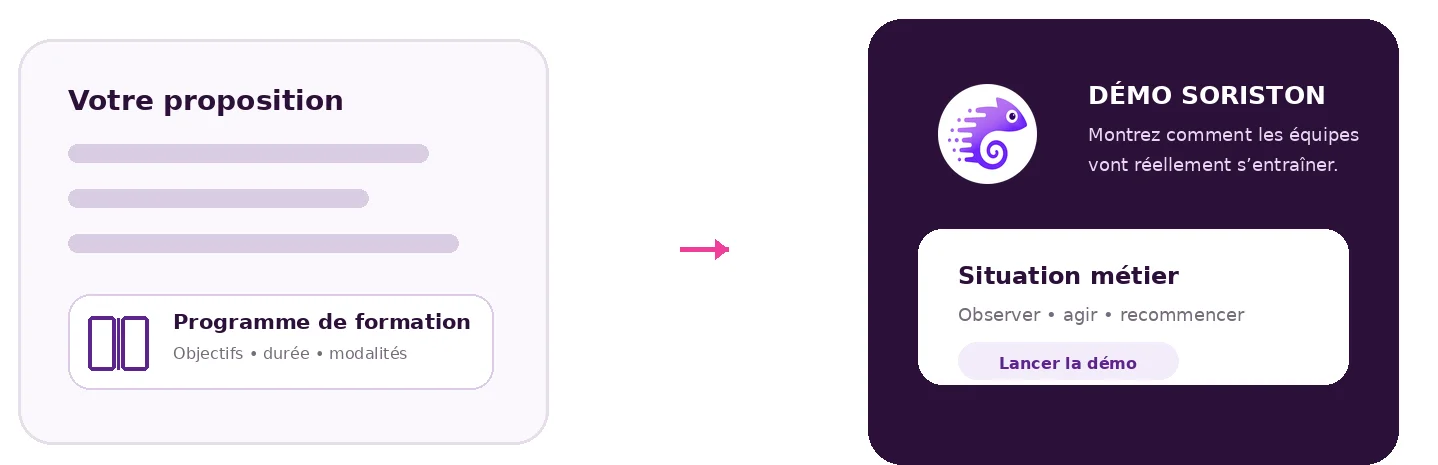
During a sales meeting, a tender pitch or the presentation of a client proposal, let the client try a Soriston experience rather than only describing the programme. They immediately see how their teams will be able to train.
Soriston lets you find learners’ results by group or by client company. You have concrete elements to prepare your review meetings, identify the difficulties met and show what was actually worked on during the training.
Base your discussions with the client company on the situations worked on and the results observed during the training.
Spot the points that need more practice and adapt the rest of the support.
Identify the refresher, upskilling or new training needs to offer.
A company calls on the training centre to train its teams in a new procedure, a job or a new practice. The training centre builds its path as usual and adds Soriston at the moments where hands-on situations bring the most value.
The training centre defines the training objectives, the teams concerned and the job situations to work on.
Scenarios complement the path where they are most useful: in the room, before the field, during practice or after the training to consolidate what was learned.
The learners, content and results for the client company are grouped in a separate space, managed by the training centre.
The training centre analyses the results observed in Soriston, identifies what to reinforce and adapts the rest of the support if needed.
Tell us about your training programmes, your clients and the situations you want learners to practise. We will show you how to integrate Soriston into your offer without disrupting your existing programmes.
About 15 min · No commitment · Nothing to install
Yes. Soriston can be introduced on a first targeted need, then gradually extended to other clients, groups or paths.
No. Soriston can complement existing paths. You choose the moments where hands-on situations and repetition bring the most value.
Yes. Access, learners, content and results can be kept separate to keep a clear organisation between your clients.
No. Depending on the content and the device chosen, training can be used in the centre, at the client’s site or remotely.
No. Soriston structures hands-on situations and repetition; the trainer remains essential to explain, debrief, correct and support.
Yes, when the need, the usage rights and the level of customisation allow it. Client-specific content can stay separate.